What Is IBO Player?
IBO Player is a versatile IPTV media player application available on virtually every platform and operating system. Its clean user interface, smooth playback engine, and broad device support make it the ideal choice for watching RoyalVOD content. The app is developed by IBODEV and is available from official app stores.
Supported Devices
IBO Player can be installed on almost any device, making it one of the most versatile IPTV players available. Here is a complete list of supported platforms:
- Android phones and tablets -- Available on the Google Play Store
- Amazon Firestick and Fire TV -- Available on the Amazon Appstore
- Windows PC -- Download from the official IBO Player website
- macOS -- Available on the Mac App Store
- Samsung Smart TV -- Available on the Samsung TV app store (Tizen)
- LG Smart TV -- Available on the LG Content Store (webOS)
- iOS (iPhone and iPad) -- Available on the Apple App Store
This is particularly noteworthy for Samsung and LG Smart TV owners. Many IPTV applications do not support these platforms due to the closed nature of their operating systems. IBO Player is one of the few apps that works natively on both Samsung Tizen and LG webOS.
Step 1: Install IBO Player on Your Device
Android Phones and Tablets
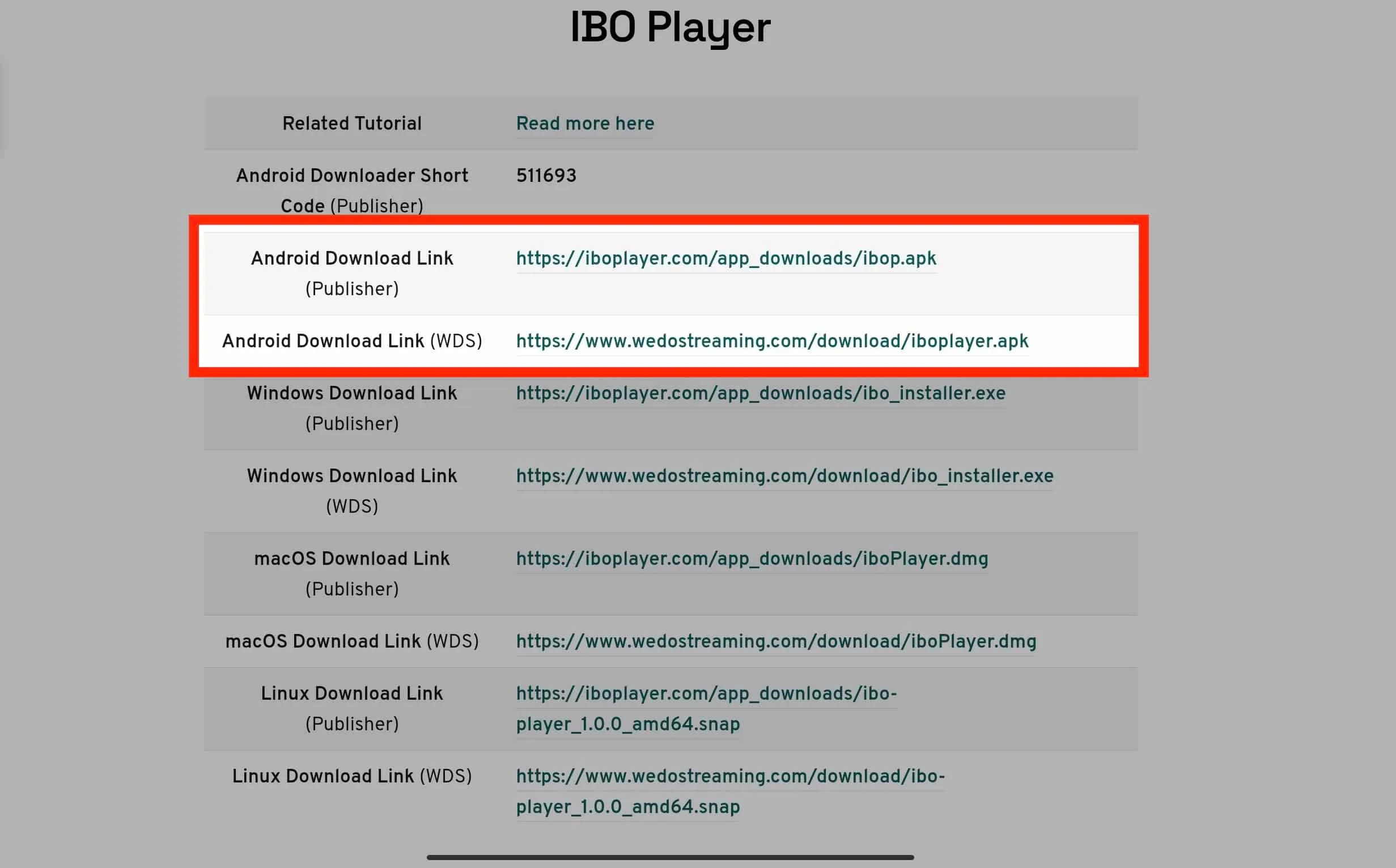
Open the Google Play Store on your Android device, search for "IBO Player", and tap Install. Once installed, open the app.
Amazon Firestick / Fire TV
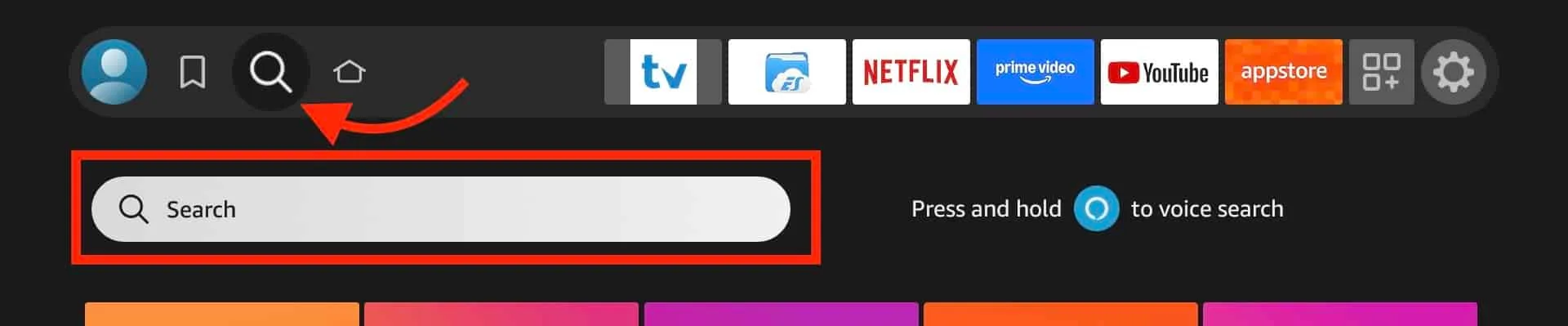
From the Fire TV home screen, go to the Search icon, type "IBO Player", and select it from the results. Click Download to install. Alternatively, you can use the Downloader app to sideload it from the official IBO Player website.
Windows PC
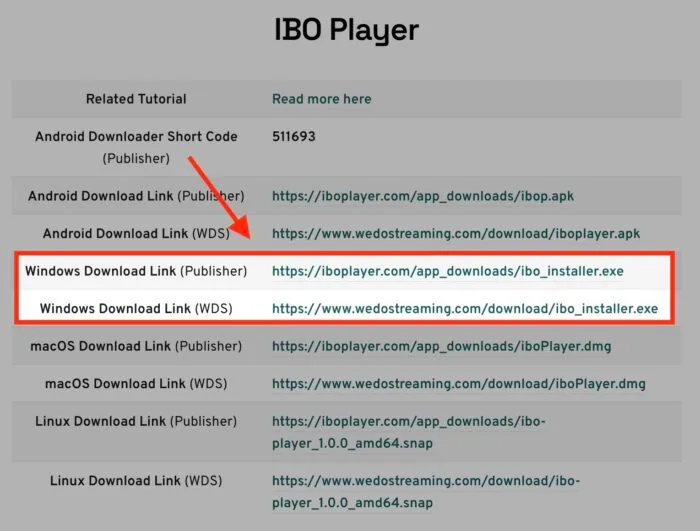
Visit the official IBO Player website (iboplayer.com) and download the Windows installer. Run the setup file and follow the on-screen instructions to complete the installation.
macOS
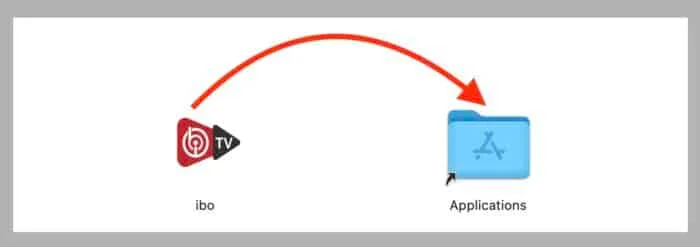
Open the Mac App Store, search for "IBO Player", and click Get to download. Alternatively, download the DMG file from the official website.
Samsung and LG Smart TV
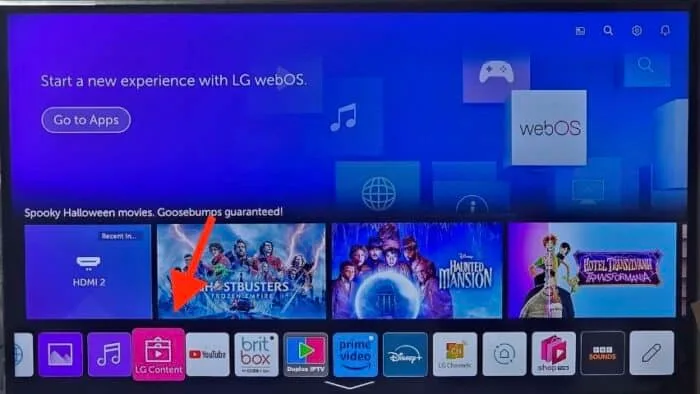
On Samsung: Open the Samsung TV app store, search for "IBO Player", and install it. On LG: Open the LG Content Store and search for "IBO Player". Both platforms support the app natively.
Step 2: Activate Your RoyalVOD Playlist
IBO Player uses a remote playlist activation system. This means you do not need to enter long M3U URLs manually. Instead, the process is simple:
Find Your Device ID and Key
When you first open IBO Player, the app displays a Device ID and Device Key on the activation screen. Write these down or take a screenshot.
Send Your Details to RoyalVOD
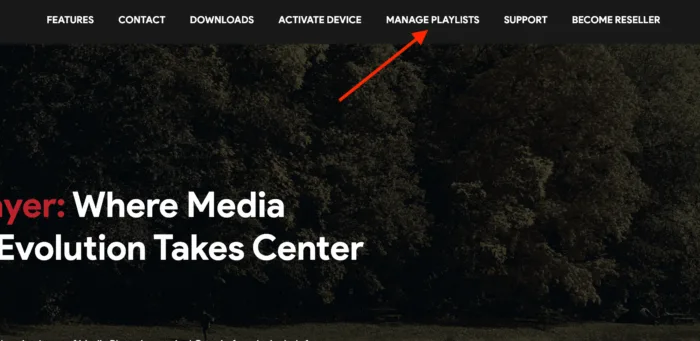
Send your Device ID and Device Key to our support team via WhatsApp or email. Include your order number or the email address used to purchase your subscription.
Playlist Activated Remotely
Our team will remotely activate your playlist within minutes. Once activated, simply restart the IBO Player app. Your channel list and VOD library will load automatically.
Step 3: Start Watching
Once your playlist is activated, you have full access to:
- Live TV -- Browse 37,000+ channels organised by category (UK, Sports, Kids, News, International, etc.)
- VOD Films -- Access 110,000+ films sorted by genre, year, and rating
- VOD Series -- Watch 55,000+ series with complete episodes and seasons
- EPG Guide -- View the full electronic programme guide with schedules and descriptions
- Favourites -- Add channels to your favourites for quick access
- Search -- Search for any channel, film, or series by name
Troubleshooting Tips
- If channels are not loading, restart the IBO Player app and check your internet connection.
- For best performance, use a wired Ethernet connection or ensure strong Wi-Fi signal.
- If the EPG is not showing, go to Settings and refresh the EPG data.
- Clear the app cache regularly for optimal performance (Settings > Clear Cache).
- If you experience any issues, contact our 24/7 support team via WhatsApp or email.
Need help? Our support team is available 24/7.
Contact Support